Lead without juggling tools.
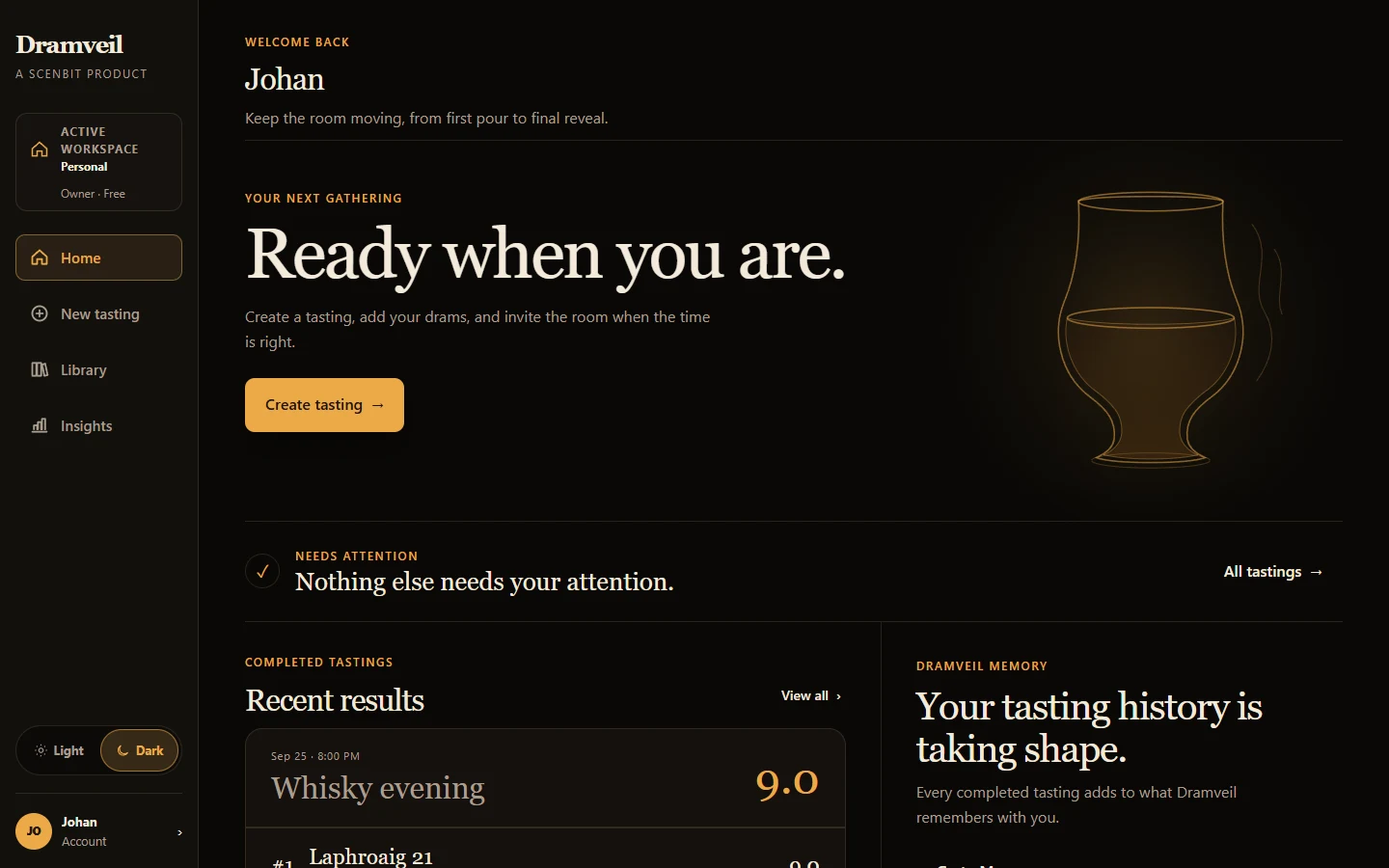
Build the lineup, invite the room, follow scoring, and control the reveal from one place.
A better way to taste together
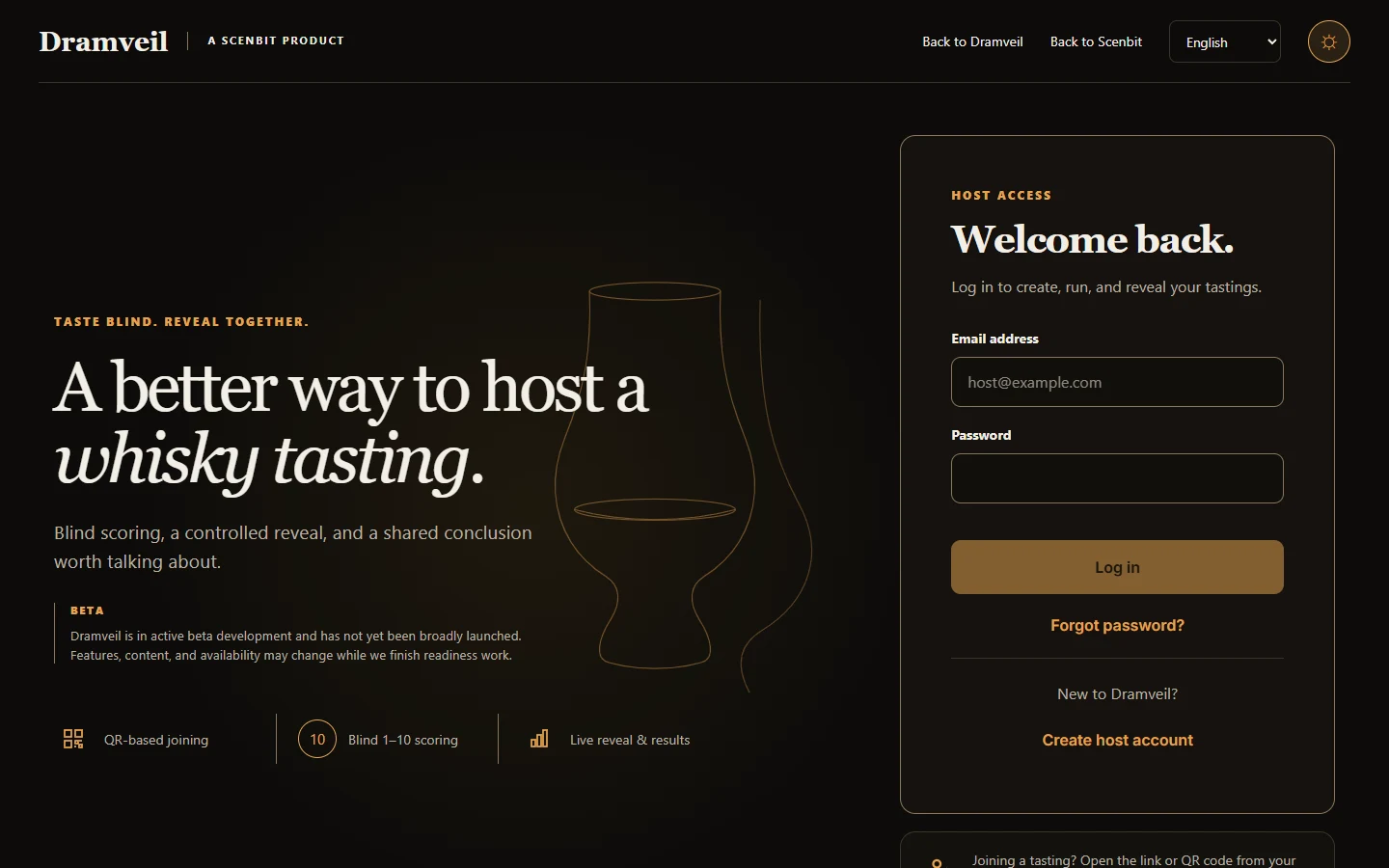
Create the tasting, invite guests by link or QR code, score blind, and lead the reveal when the room is ready. Return to the results after the last pour.
Active beta. Ordinary new registrations start on Free; features and availability may change.
How it works
One connected flow gives the host room to host and guests room to taste.
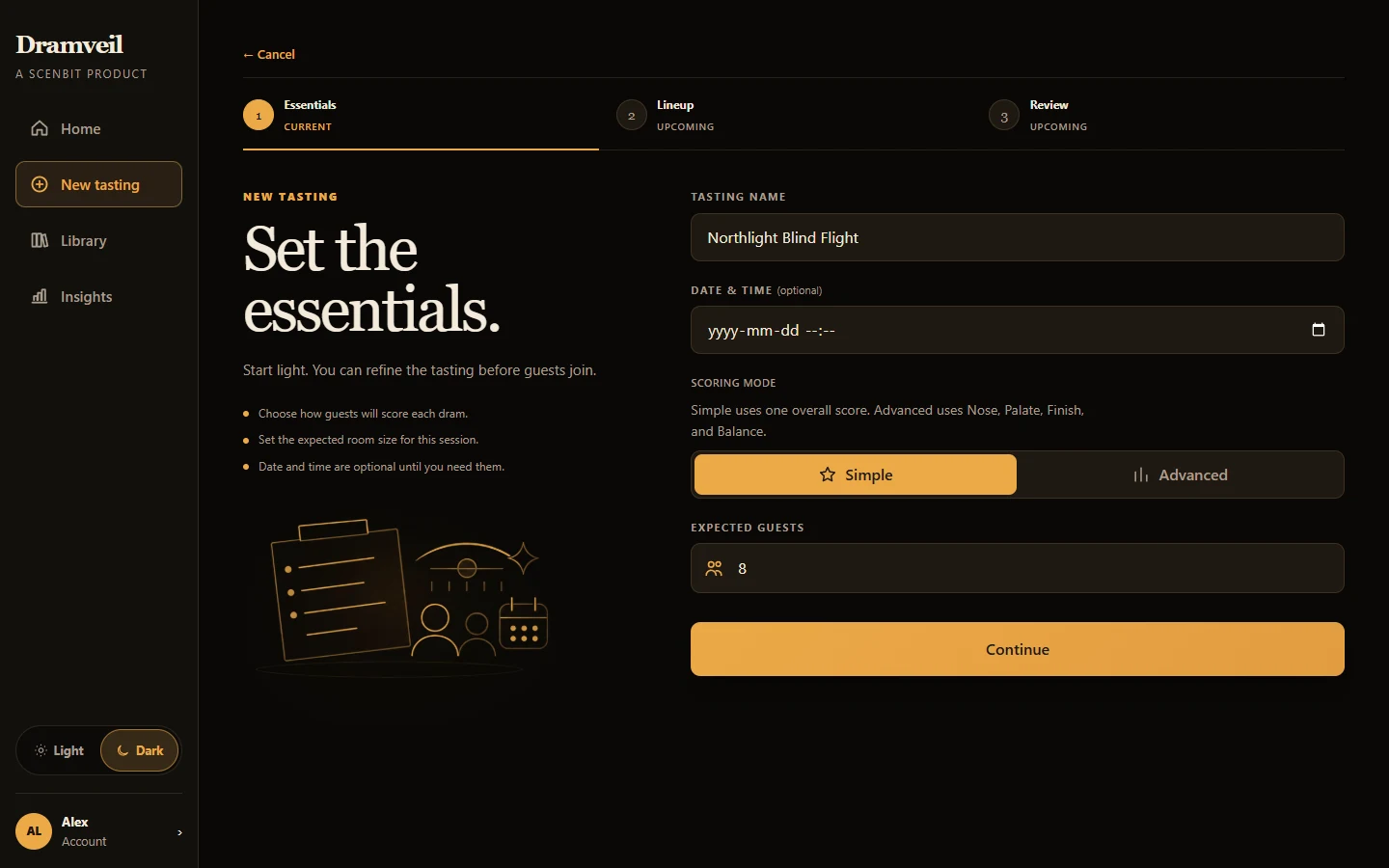
Name the tasting and choose how the room will score.
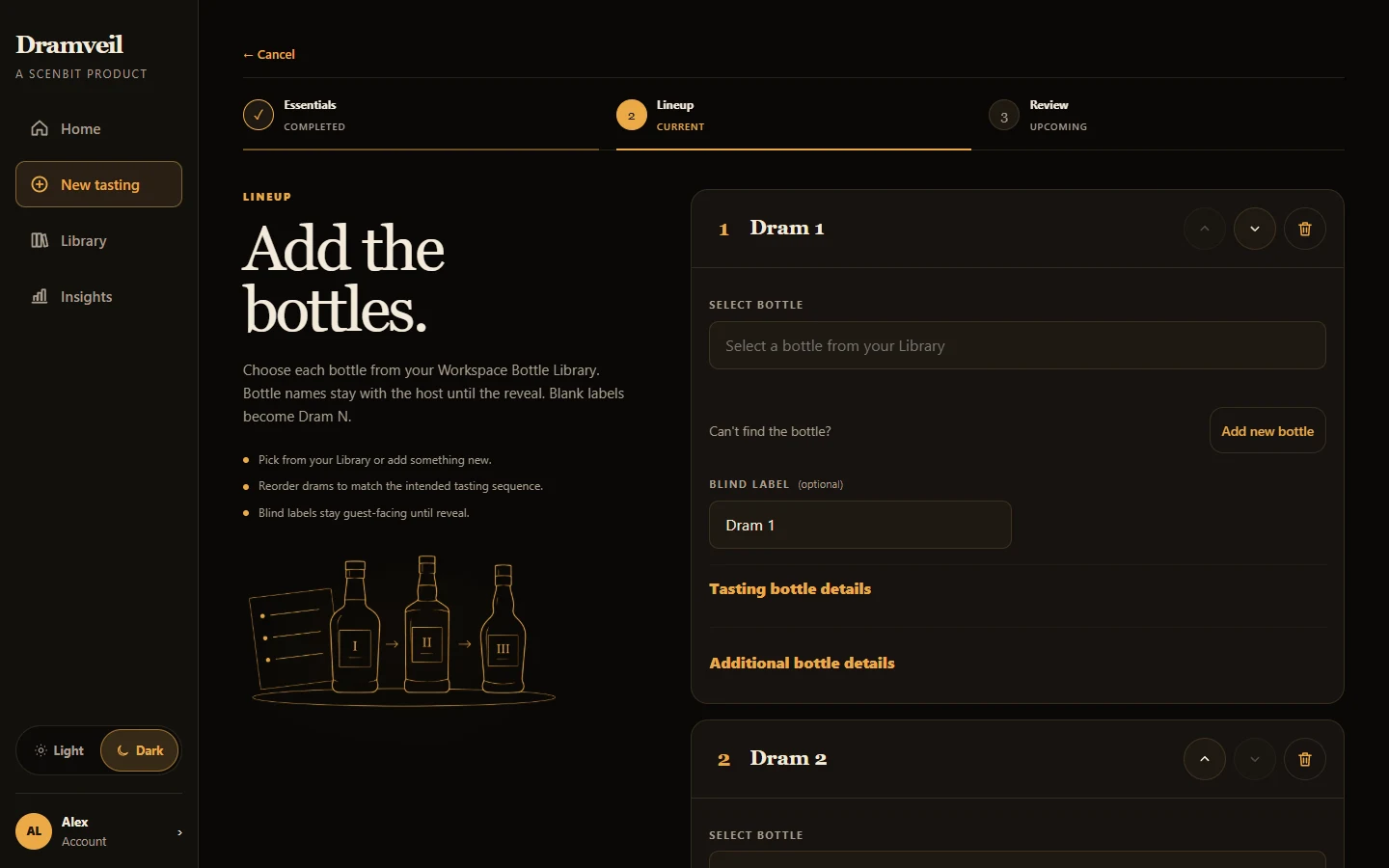
Choose bottles from your Library and set blind labels.
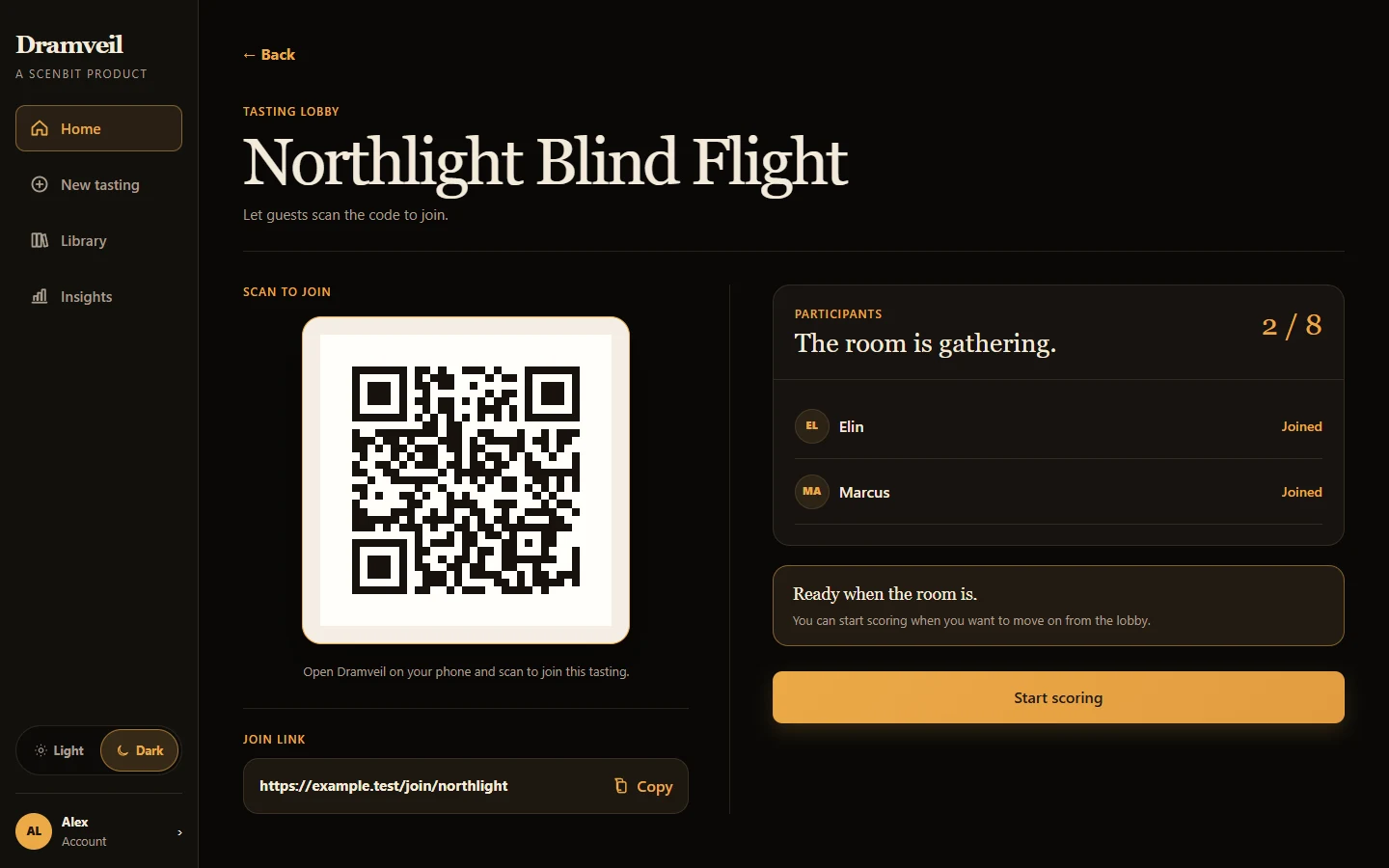
Share the join link or QR code with guests.
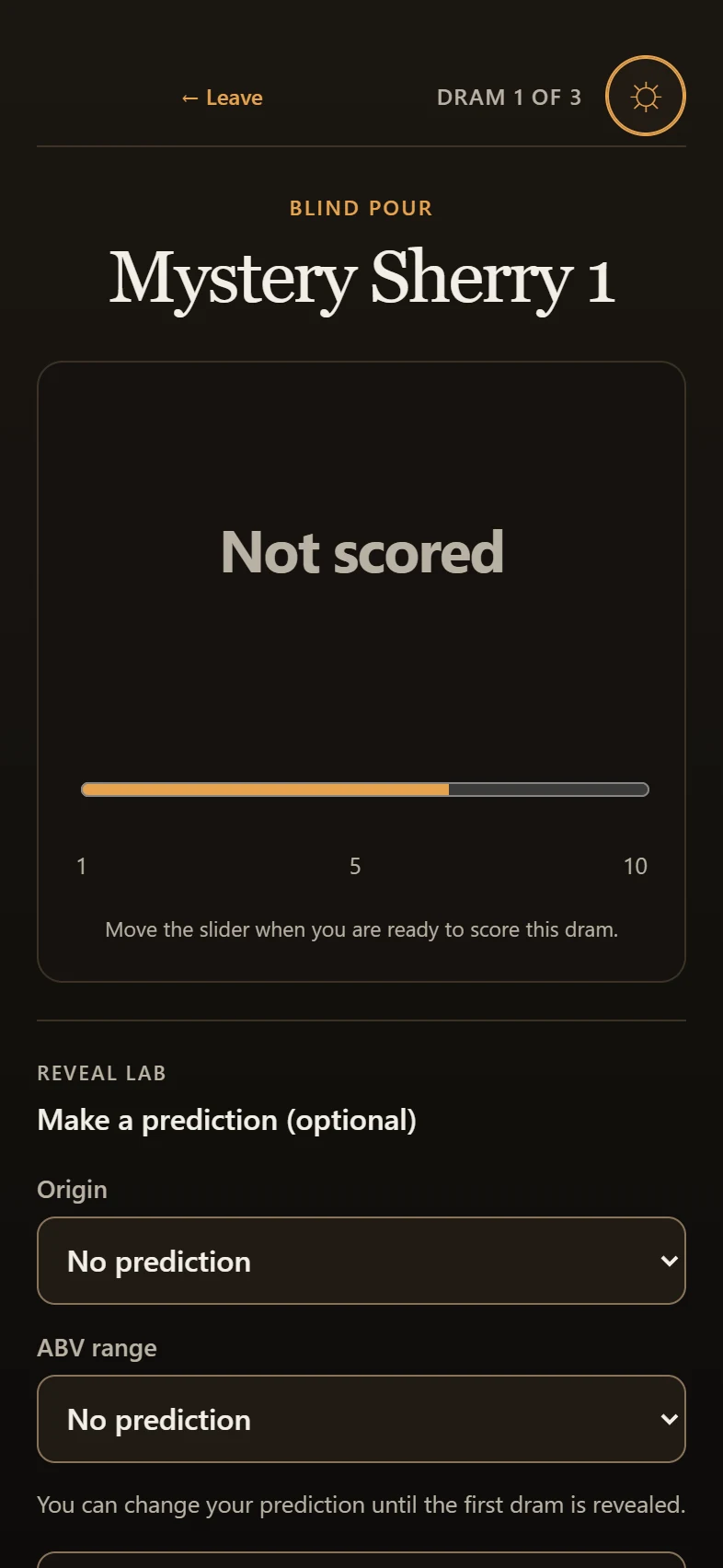
Guests score blind in their own browsers.
Lead the shared reveal and revisit the results.
Before the first pour
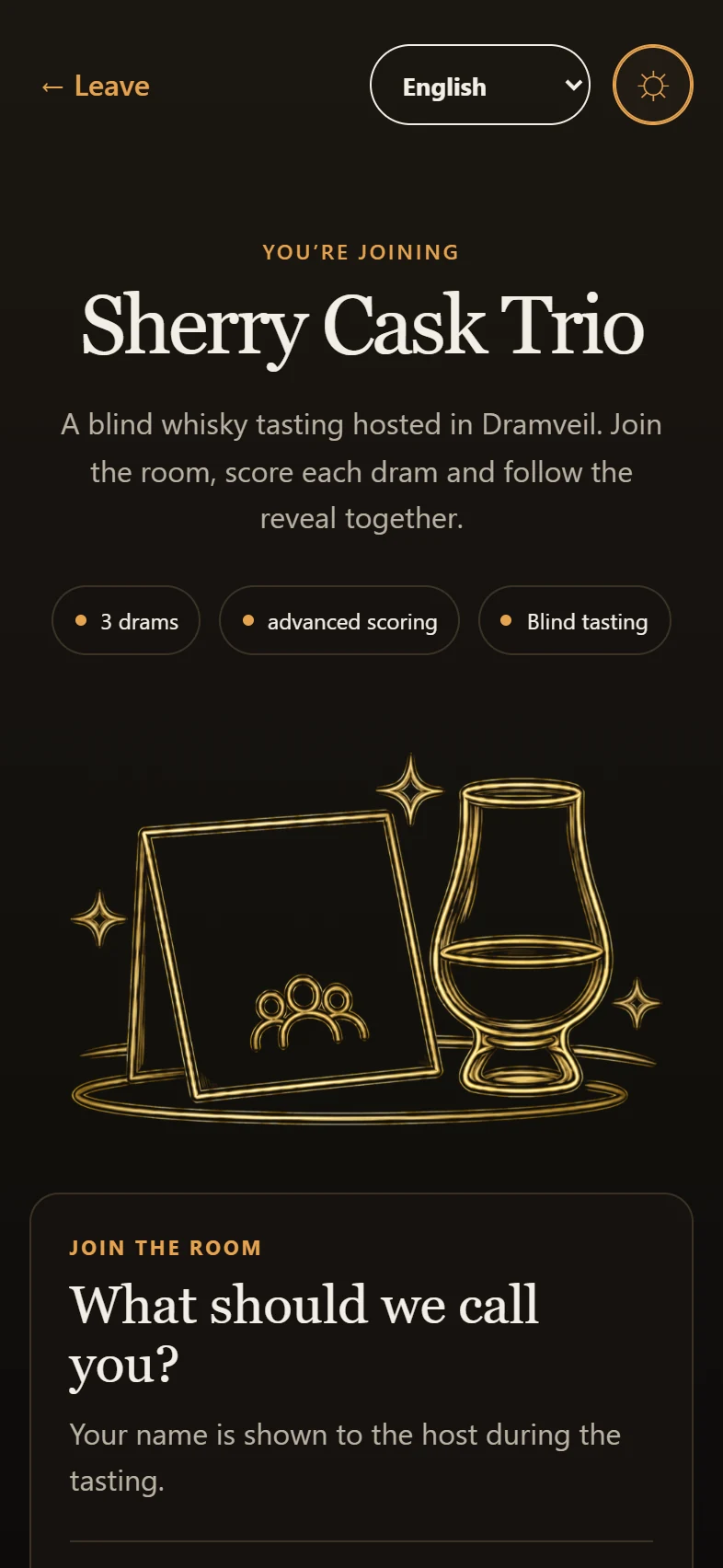
From a focused setup to a simple join screen, Dramveil helps you bring everyone into the same tasting without making the evening feel like admin.
While you taste
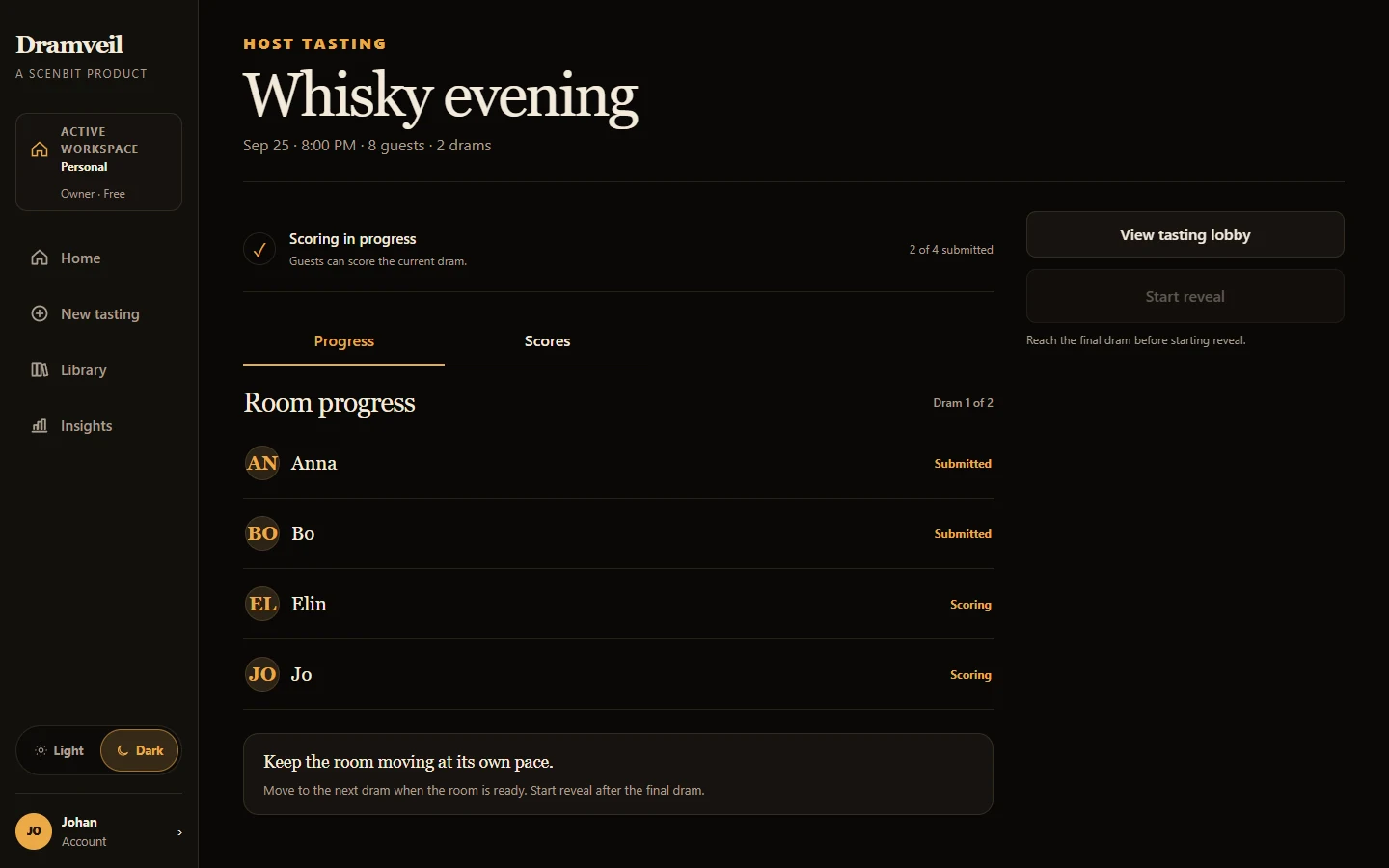
Guests score on their own devices while the host sees the room’s progress. Bottle identities stay with the host until reveal.
The shared moment
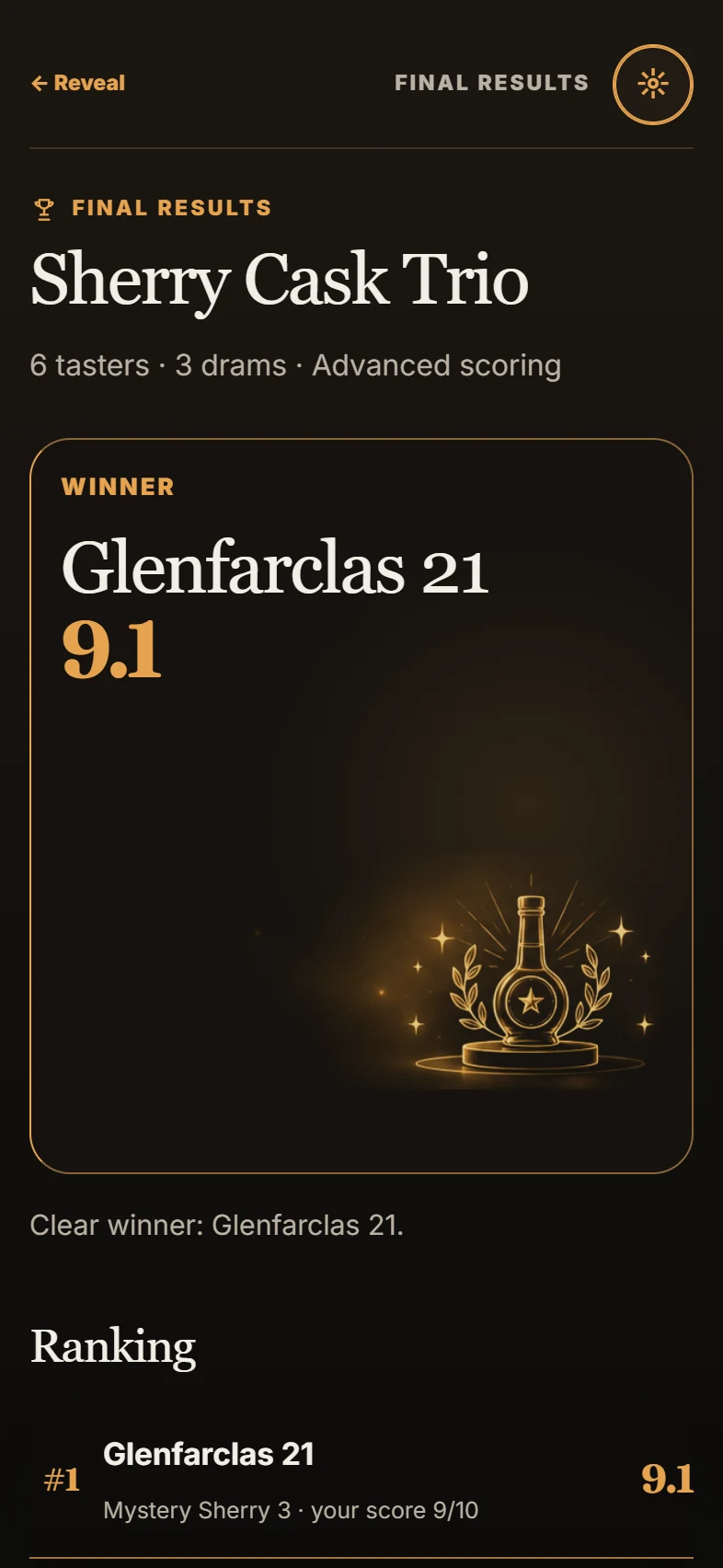
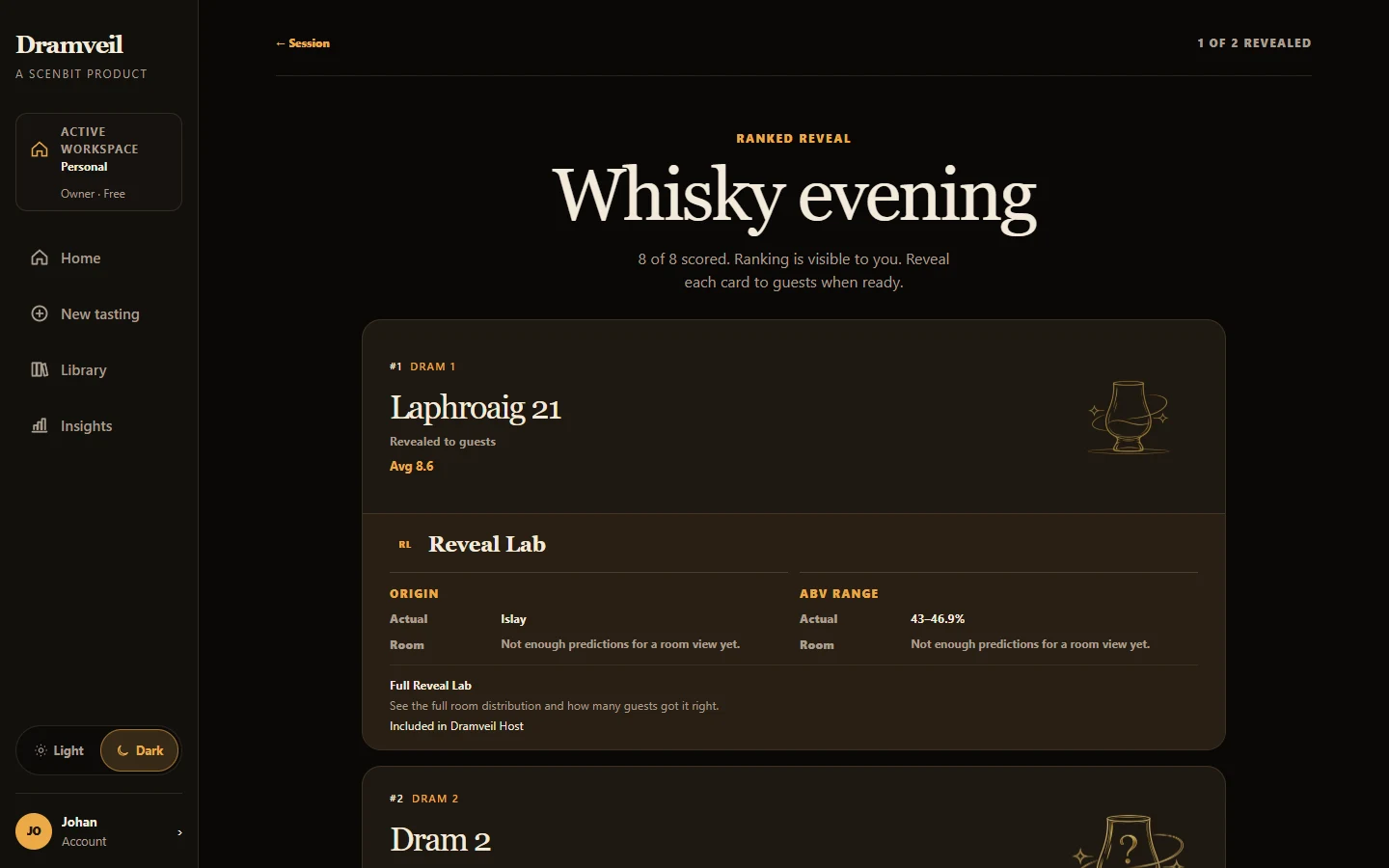
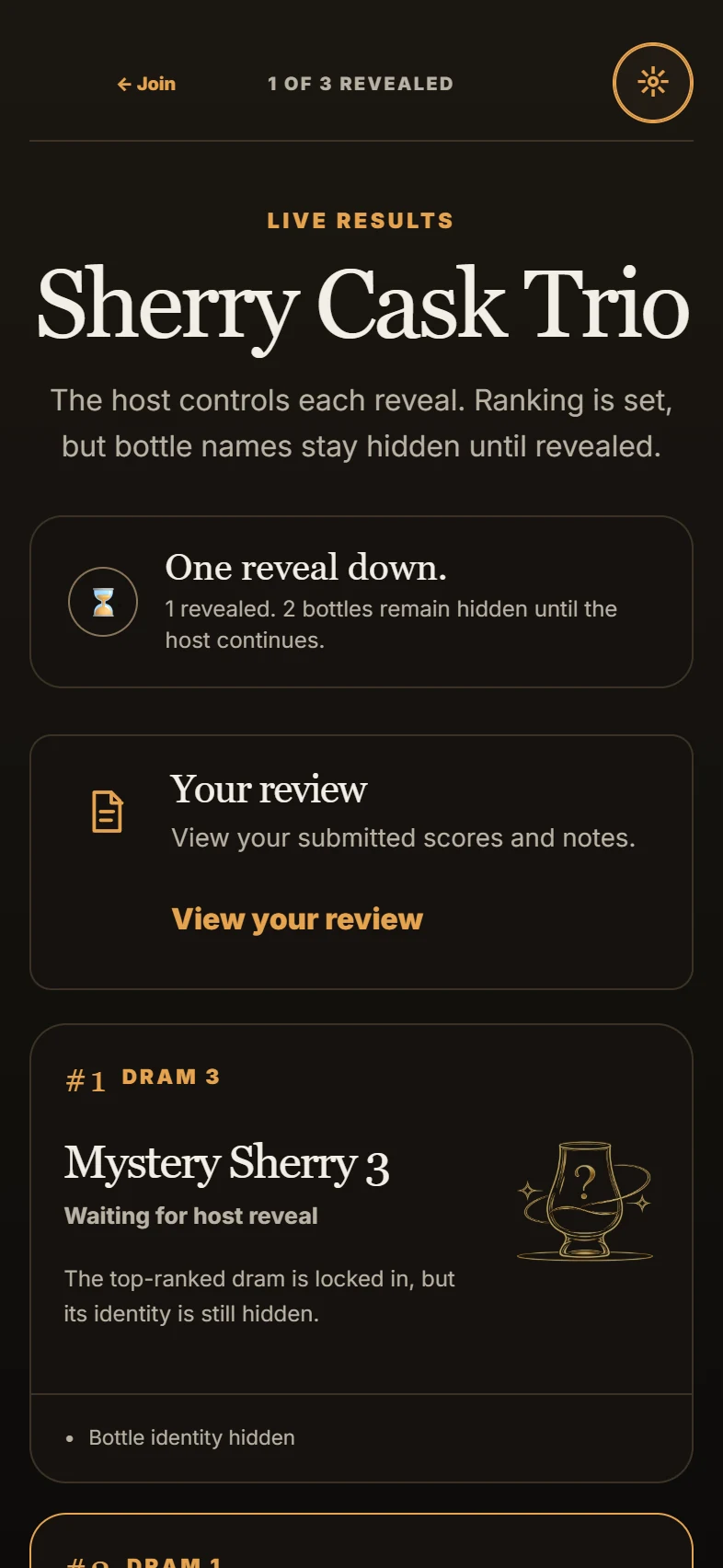
The host opens the reveal. Ranked results bring the room’s scores and the bottle identities together, then become part of your completed history.
Built for the room
A focused flow for the people who prepare the evening and the people around the table.
Build the lineup, invite the room, follow scoring, and control the reveal from one place.
Return to completed results, reuse bottle context, and build a useful tasting history over time.
Low-friction joining and host-led pacing make blind scoring and the final reveal feel shared.
Access
The access model has four levels. Ordinary new beta registrations receive Free; higher levels require separate activation.
Host a tasting and return to recent completed results. Basic reveal and story views, plus a Memory preview, provide a first look at what your group discovered.
Included for ordinary new beta registrationsFor regular hosts: return to your full completed history, explore the full reveal and story views, and use Memory to compare patterns across tastings.
Separate activation · not publicly available to buyBuilds on Host for a group tasting together over time. The Club model adds a shared Workspace and Club-level Memory for the group’s accumulated history.
Separate activation · not publicly available to buyThe model for future commercial use, with a shared Workspace and Business-level Memory. Business access requires separate activation; it is not a public offer today.
Separate activation · not publicly available to buyHost, Club, and Business are not publicly available to buy. View access levels
Good to know
The details that help a new host bring a room together.
No. Guests can open the join link or scan the QR code in a browser and choose a name for the tasting.
Guests see blind dram labels while scoring. The host controls when bottle identities and the results are revealed.
The host creates the tasting and lineup, invites guests, starts scoring, follows progress, and leads the reveal.
Reveal Lab connects blind predictions with the reveal. Its level of detail depends on the account’s access level.
Dramveil is in active beta development and has not yet been broadly launched. Ordinary new registrations receive Free access; features and availability may change.
The next good tasting starts here
Set up a blind tasting, invite your guests, and save the story of what you discovered.
Active beta. Ordinary new registrations start on Free; features and availability may change.